Introduction
If you’ve searched Google for a product or service, you’ve probably seen ads marked “Sponsored” above or around the organic results. Those are Google Ads.
For a small business, that can be useful because your ad can appear when someone is already searching for something related to what you offer. Google Ads uses an auction system to decide which eligible ads appear, based on factors such as bids, ad quality, relevance, and the context of the search.
That makes Google Ads for small businesses a practical option when you want to reach potential customers through paid search.
Unlike traditional advertising, Google Ads gives businesses control over campaign budgets and provides tools to measure actions taken after someone interacts with an ad. Depending on how a campaign is set up, you can track actions such as calls, purchases, form submissions, or other conversions.
A small business can use Google Ads to:
- Reach people searching for relevant products or services
- Set and manage campaign budgets
- Choose how and where ads are targeted
- Measure clicks, conversions, and other campaign activity
- Adjust campaigns based on performance data
But simply running an ad does not guarantee profitable results. The campaign structure, targeting, ad relevance, landing page, bidding strategy, and conversion tracking all matter. Google itself highlights the connection between ad relevance, landing-page experience, and campaign performance.
That is why a good Google Ads campaign starts with understanding what potential customers are searching for and what you want them to do after they click.
What Is Google Ads and How Does It Work?
Google Ads is Google’s online advertising platform. Businesses can use it to show ads to people searching for relevant products or services on Google and across other Google advertising channels. For Search campaigns, advertisers choose keywords and create ads that can become eligible to appear when searches match their targeting.
When someone searches, Google runs an ad auction to decide which eligible ads can appear and where they may be shown. The result is not based on the bid alone. Google considers factors such as the bid, ad quality, relevance, the context of the search, and other elements that contribute to Ad Rank.
For a small business, the important part is understanding what happens before and after the click. A campaign needs the right targeting, relevant ad messaging, a useful landing page, and conversion tracking if you want to understand whether your advertising is contributing to business goals.
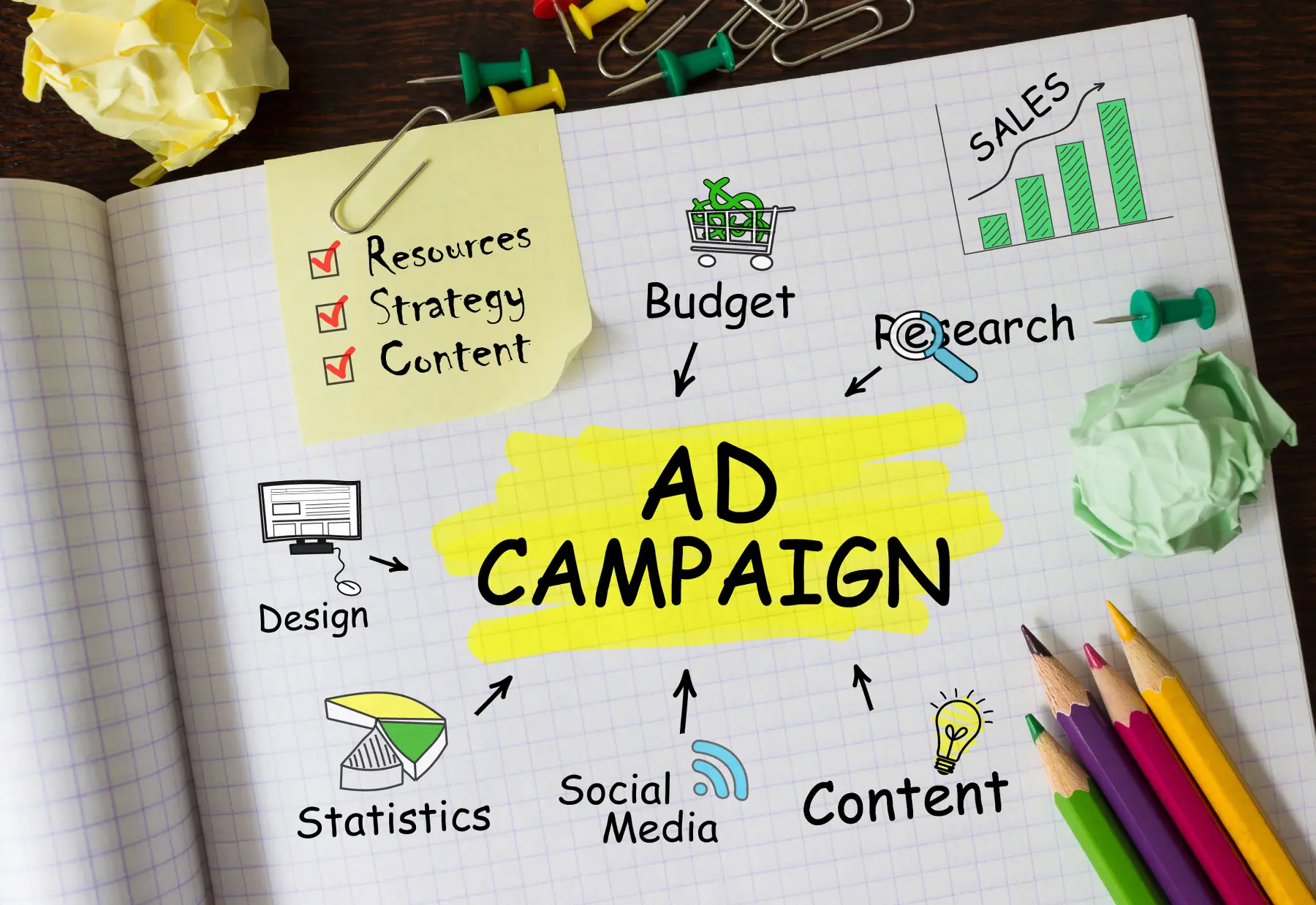
The main elements of a Google Ads campaign can include:
- Keyword and audience targeting — Decide who you want to reach and which searches or signals are relevant to your offer.
- Ad creation — Write clear messaging that matches what potential customers are looking for.
- Landing pages — Send visitors to a relevant page that makes it easy to understand the offer and take the next step.
- Budget and bidding — Set campaign budgets and choose bidding approaches based on your advertising goals.
- Conversion tracking — Measure valuable actions such as purchases, enquiries, calls, or form submissions when tracking is properly configured.
Google Ads offers several campaign types, including Search, Display, Video, Shopping, App, and Performance Max campaigns. The right choice depends on your business objective, audience, offer, and the type of advertising you want to run.
For small businesses, the goal shouldn’t simply be to get more clicks. The better question is whether those clicks are coming from people who are relevant to your business and whether your website gives them a good reason to take the next step.
Why Google Ads Is Powerful for Small Businesses
Google Ads can be useful for small businesses because it allows you to reach people while they are searching for products, services, or information related to your business. Instead of relying only on people discovering your brand organically, you can use paid advertising to put your offer in front of a relevant audience.
Here are some of the main advantages:
Reach People with Relevant Search Intent
Search campaigns can reach people whose searches match the keywords and targeting you have selected. This can be particularly useful for businesses offering services or products that customers actively search for.
Control Your Advertising Budget
Google Ads lets advertisers set campaign budgets and adjust them as their needs change. You can start with a budget that fits your business and make changes as you learn more about campaign performance.
Measure Campaign Activity
With properly configured conversion tracking, you can measure actions that matter to your business, such as purchases, form submissions, phone calls, or other conversions. This gives you more information than simply looking at how many people clicked an ad.
Target Specific Locations
Location targeting can help businesses show ads to people in selected geographic areas. This can be useful for local businesses that only serve particular cities, regions, or areas.
Adjust Campaigns Based on What You Learn
A Google Ads campaign isn’t something you need to set up and forget. Search terms, conversions, costs, and other campaign data can help you identify what deserves more attention and where changes may be needed.
Explore our Google Ads and performance marketing services.
Types of Google Ads Campaigns
Google Ads offers different campaign types, and each one serves a different purpose. The right choice depends on what you’re promoting, who you want to reach, and what you want the campaign to achieve.
Search Ads
Search campaigns can show text ads when people search Google for terms related to your products or services. They can be particularly useful for businesses that want to reach people already looking for what they offer.
Display Ads
Display campaigns can show visual ads across websites, apps, and other placements within the Google Display Network. They can be useful for reaching people beyond Google Search and supporting awareness or remarketing efforts.
YouTube Ads
Video campaigns can help businesses reach audiences on YouTube and across Google's video partners. They can be useful when video is an important part of how you want to communicate your product, service, or brand.
Shopping Ads
Shopping campaigns are designed for retailers and can showcase products to people searching for what they want to buy. Product information such as an image, title, and price can appear in the ad, giving shoppers useful information before they click.
Which Campaign Type Should a Small Business Choose?
There isn’t one campaign type that works for every small business. A local service business may have different needs from an e-commerce store, while a brand focused on awareness may approach Google Ads differently from a business looking for enquiries.
Start with the campaign type that matches your business objective, then use performance data to decide where to invest more of your budget.
How to Maximize Google Ads ROI
Setting up a Google Ads campaign is only the starting point. Getting useful results requires the right targeting, relevant ads, a suitable landing page, and reliable conversion tracking. The aim isn’t simply to generate clicks; it’s to understand which clicks contribute to your business goals and improve the campaign accordingly.
Choose Keywords Carefully
Start with searches that are closely related to what you actually offer. Consider the intent behind each search rather than choosing keywords based only on high search volume. Long-tail and more specific searches can sometimes be useful when they closely match your products or services.
Write Relevant Ad Copy
Your ad should clearly explain what you’re offering and give people a reason to click. Keep the message relevant to the search and make sure the information in the ad matches what visitors find after they click.
Improve the Landing Page
Getting someone to click your ad is only one part of the process. The landing page should make it easy for visitors to understand the offer and take the intended action.
For example, a service campaign should ideally send visitors to a relevant service or landing page rather than automatically sending everyone to the homepage.
Need help with your website or landing page? Explore our website development services.
Set Up Conversion Tracking
Without conversion tracking, it can be difficult to understand what happens after someone clicks an ad. Google Ads supports conversion tracking for actions that matter to a business, such as purchases, sign-ups, calls, and other valuable interactions.
Review and Optimise Campaigns
Campaign performance can change over time. Review your search terms, conversions, costs, ads, and other available data to identify what is working and where changes may be needed.
Optimisation isn’t about changing everything at once. Make informed adjustments, give them enough time to collect useful data, and compare the results before deciding what to do next.
Common Google Ads Mistakes to Avoid
Google Ads gives you plenty of control, but that doesn’t mean every campaign decision will work. Small businesses can waste part of their advertising budget when campaigns lack proper targeting, tracking, or regular optimisation.
Here are some common mistakes worth avoiding:
Using Broad or Irrelevant Keywords
Choosing keywords without considering search intent can bring visitors who aren’t looking for what you offer. Review the searches triggering your ads and focus your targeting on terms that are relevant to your products or services.
Not Using Negative Keywords
Negative keywords can help prevent ads from appearing for searches that aren’t relevant to your business. They are particularly useful when some searches closely resemble your target keywords but don’t match your offer.
Sending Every Visitor to the Homepage
A homepage may not be the best destination for every campaign. If someone searches for a specific service, sending them to a relevant service or landing page can create a more consistent experience between the ad and the page.
Running Campaigns Without Conversion Tracking
Clicks alone don’t tell you whether advertising is helping your business. Without reliable conversion tracking, it becomes much harder to understand which campaigns, ads, or keywords are contributing to meaningful actions.
Ignoring Ad and Landing Page Relevance
Your keywords, ads, and landing pages should make sense together. When the message a person sees in an ad doesn’t match the page they reach, the experience can become confusing and less useful.
Google considers factors related to ad quality and landing-page experience when determining Ad Rank, so relevance matters beyond simply getting someone to click.
Setting Up Ads and Leaving Them Alone
A campaign can change as search behaviour, competition, and business priorities change. Regularly reviewing performance gives you an opportunity to identify wasted spend, improve targeting, test new messaging, and make better decisions about your budget.
Google Ads vs SEO: Which Is Better?
Google Ads and SEO can both help people find your business on Google, but they work in different ways. The better choice depends on your goals, timeline, competition, and available resources.
| Google Ads | SEO |
|---|---|
| Paid advertising | Organic search visibility |
| Can start driving traffic once campaigns are active | Usually takes longer to build visibility |
| You pay for advertising activity based on your campaign and bidding setup | You don’t pay Google for organic clicks |
| Gives you control over campaign targeting and budget | Focuses on improving your website and organic search presence |
| Campaign traffic generally stops when you stop advertising | SEO work can continue to benefit your website after individual optimisation efforts |
When Google Ads Makes More Sense
Google Ads can be useful when you want to promote a specific service, reach people searching for relevant terms, test an offer, or generate traffic without waiting for organic rankings to develop.
For example, a local business launching a new service may use Search Ads to reach people already searching for that service in its target area.
When SEO Makes More Sense
SEO can be a better fit when you’re looking to build organic visibility and create a stronger search presence over time. It involves improving areas such as website content, technical performance, site structure, and other factors that can influence organic search visibility.
Can You Use Google Ads and SEO Together?
Yes. They don’t have to compete with each other.
A business can use Google Ads to reach relevant searches while also investing in SEO for longer-term organic visibility. The two approaches can complement each other when they’re planned around the same business goals.
There isn’t a universal rule that says every business should spend the same amount on Ads or SEO. The right balance depends on your market, goals, budget, and how quickly you need results.
Google Ads can help small businesses reach relevant customers through paid search, while SEO helps build organic visibility over time. If you want to understand how organic search can support your business, read our guide to SEO services for small businesses
Conclusion
Google Ads can be a useful part of a small business’s digital marketing strategy, particularly when you have a clear understanding of who you want to reach, what you’re offering, and what action you want people to take.
But putting money into ads doesn’t automatically make a campaign successful. Good results depend on relevant targeting, useful ad messaging, suitable landing pages, accurate conversion tracking, and regular optimisation.
For some businesses, Google Ads can work alongside SEO, content, and other marketing activities to create a broader search strategy. The right mix depends on your business goals, audience, competition, and budget.
If you’re considering Google Ads for your small business, start with a clear objective and a way to measure whether your advertising is actually helping you achieve it.
Ready to Launch Profitable Google Ads?
If you’re considering Google Ads for your business, Foxco Media can help you plan and manage campaigns around your goals. We can work with you on campaign setup, targeting, ad creation, landing pages, and ongoing optimisation.
Get Started Today
- FAQ's
Frequently Asked Questions
1. Is Google Ads worth it for small businesses?
It can be, depending on your business, target audience, competition, budget, and campaign setup. Google Ads can help you reach people searching for relevant products or services, but the value of a campaign should be judged by the business outcomes it generates rather than clicks alone.
2. How much budget is needed to start Google Ads?
There is no single starting budget that works for every business. Your budget will depend on factors such as your industry, location, competition, keywords, and campaign goals. A sensible approach is to set a budget you can manage and use campaign data to guide future decisions.
3. How quickly do Google Ads show results?
Your ads can start appearing once the campaign is approved and active, but that doesn’t mean you’ll immediately know whether the campaign is profitable. Allow enough time to collect meaningful data, then review conversions, costs, search terms, and other performance signals before making major decisions.
4. What is Quality Score in Google Ads?
Quality Score is a diagnostic tool Google uses to provide feedback on the relevance and quality of your keywords, ads, and landing pages. It is reported on a scale from 1 to 10 for eligible keywords. It can help identify areas that may need improvement, but it shouldn’t be treated as the only measure of campaign performance.
5. Should I run Google Ads or SEO first?
It depends on what your business needs. Google Ads can help you reach relevant searches through paid advertising, while SEO focuses on improving your organic search visibility over time. For some businesses, using both can make sense rather than choosing one exclusively.